Ollama: Local LLMs Made Beautifully Simple

Ollama: Local LLMs Made Beautifully Simple
Xiaoxin Software AlternativesOllama: Local LLMs Made Beautifully Simple
Have you ever been turned away from running a large language model locally because of intimidating compilation steps, cryptic command-line arguments, and endless environment issues? Ollama exists to fix that. It makes running LLMs locally as simple as “download, install, use” — and behind the scenes, it’s powered by the rock-solid llama.cpp engine.
Overview
Ollama (short for Optimized LLaMA) launched in July 2023 by Jeffrey Morgan. Built on top of llama.cpp, its mission is beautifully clear: make running large language models locally accessible to everyone.
If llama.cpp is a finely-tuned supercar engine, Ollama is the vehicle that wraps it in a “one-button start” body. You don’t need to understand combustion mechanics — just press the pedal and go.
Ollama carries forward llama.cpp’s high-performance DNA while dramatically lowering the barrier to entry, opening the world of local AI to developers, creators, and enthusiasts who would otherwise be locked out.
Key Features
🚀 Up and Running in 3 Minutes — No Fuss
The biggest selling point of Ollama is effortless usability:
1 | # Install (macOS/Linux) |
No compilation. No environment setup. No endless debugging. Ollama wraps all the complexity inside and lets you focus on what actually matters: talking to your model.
📦 Automatic Model Management — One Command to Rule Them All
Ollama ships with a smart, built-in model management system:
ollama run <model>: Automatically downloads the model and starts it- Auto-loading: Loads models on demand when API requests come in
- Auto-unloading: Releases memory for inactive models when resources get tight
- Model switching: Seamlessly switch between llama3, mistral, qwen2, and more — no manual file management
This means you can fluidly move between models without touching a file browser or writing a single script.
🔧 Modelfile: As Flexible as a Dockerfile
Ollama provides Modelfile, analogous to Docker’s Dockerfile, letting you define model configuration in plain text:
1 | FROM llama3 |
With Modelfiles you can:
- Tune model parameters (temperature, top_p, context, etc.)
- Set system prompts
- Import custom GGUF model files
- Package and share your configurations
This makes Ollama suitable for both quick experimentation and deep customization.
🤖 Tool Use: Foundation for AI Agent Development
For building AI Agents (autonomous systems), Tool Use (function calling) is a critical capability. Ollama natively supports Tool Use, enabling models to invoke external tools and APIs — opening the door to real-world AI agent applications.
By contrast, llama.cpp’s command-line tool llama-server currently does not natively support Tool Use.
📡 OpenAI API Compatible
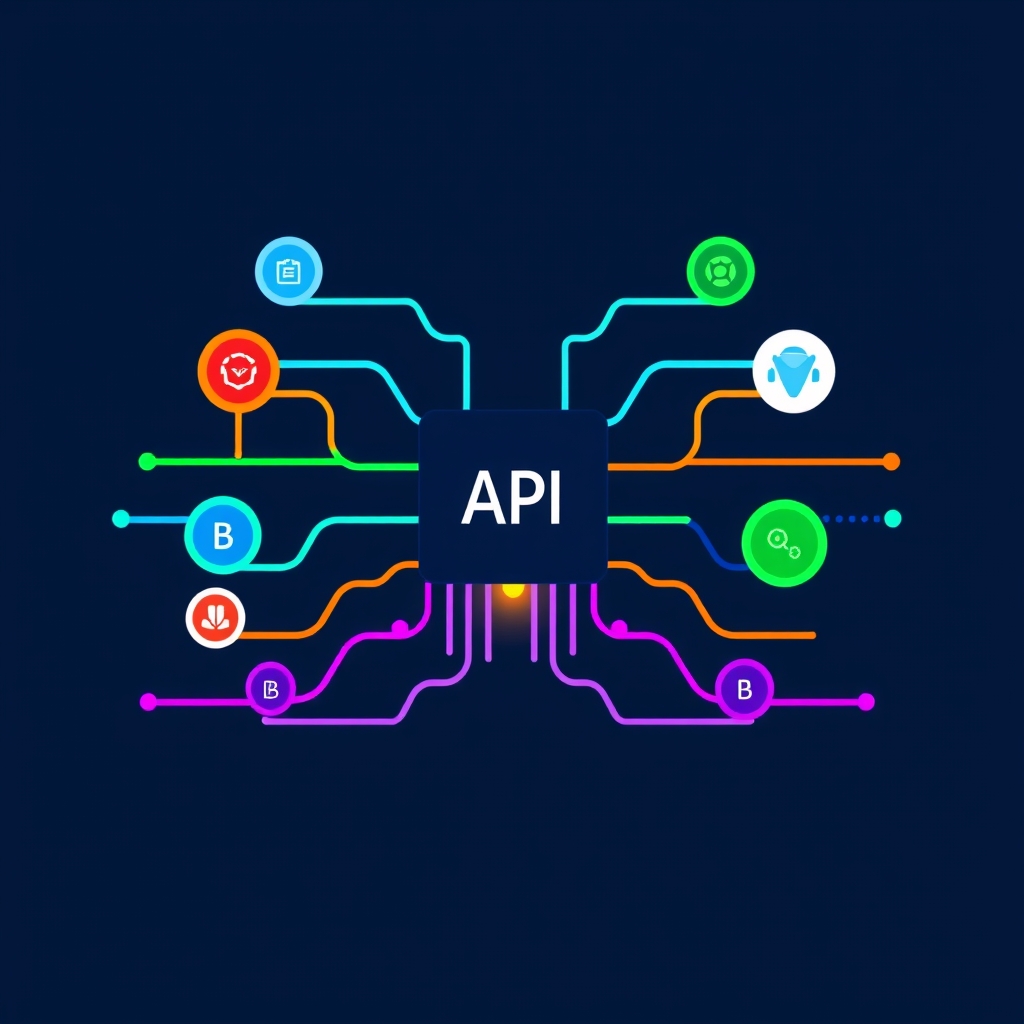
Ollama’s API interface is highly compatible with the OpenAI API. Simply point your base URL to the local server:
1 | from openai import OpenAI |
Applications built on the OpenAI API can migrate to Ollama with zero code changes.
🖥️ Cross-Platform Support
Ollama runs on all three major desktop platforms:
- macOS: Native Apple Silicon (M1/M2/M3/M4) support with Metal acceleration out of the box
- Windows: Built-in CUDA support — NVIDIA GPU users get automatic acceleration
- Linux: CUDA and ROCm support, ready for server deployments
Use Cases
Ideal for Ollama
- AI beginners: Want to explore local LLMs without learning complex tooling
- Rapid prototyping: Need to quickly validate AI ideas without spending hours on setup
- Developer debugging: Frequently switching between models during development workflows
- AI Agent developers: Need Tool Use for building autonomous systems
- Multi-model users: Often compare results across different model families
Less Ideal
- Performance-critical scenarios:严苛 latency and throughput requirements
- Minimal environment deployments: Extremely limited disk space (Ollama ~4.6GB)
- Long-context needs: Processing documents exceeding 11K tokens
- Deep customization: Needing to modify the inference engine itself
Comparison with Alternatives
| Feature | Ollama | llama.cpp |
|---|---|---|
| Ease of Use | ✅ One-command startup | ⚠️ Manual setup required |
| Model Management | ✅ Auto download/load/switch | ❌ Manual file management |
| Inference Performance | ⚠️ ~27–80% slower | ✅ Best-in-class |
| Installation Size | ⚠️ ~4.6GB | ✅ ~90MB |
| Tool Use / Function Calling | ✅ Native support | ❌ Not supported |
| Modelfile Configuration | ✅ Supported | ❌ Not supported |
| Context Window | ⚠️ ~11K tokens default | ✅ 32K+ tokens |
| OpenAI API Compatibility | ✅ Compatible | ✅ Compatible |
| Target Audience | Developers, enthusiasts | Performance purists, power users |
| Underlying Engine | Built on llama.cpp | Custom C++ implementation |
| License | MIT | MIT |
Conclusion
Ollama transformed local LLMs from “hacker territory” into a tool anyone can use. If you want to explore the latest AI models without spending hours configuring environments, Ollama is the best place to start.
Of course, the convenience comes with a performance trade-off — for raw speed and minimal overhead, llama.cpp remains the choice of purists. But for most developers and AI enthusiasts, the ease and flexibility Ollama provides far outweighs the performance gap.
As a bridge between raw capability and everyday usability, Ollama proves a timeless truth: the best technology is technology that disappears — you only notice the results.